How to Combine Text + Image Inputs for Better Results — Practical Prompts and Common Mistakes to Avoid in AI  Image Generation

How to Combine Text + Image Inputs for Better Results — Practical Prompts and Common Mistakes to Avoid in AI Image Generation

Manar Yousry

April 2, 2026|6 min read
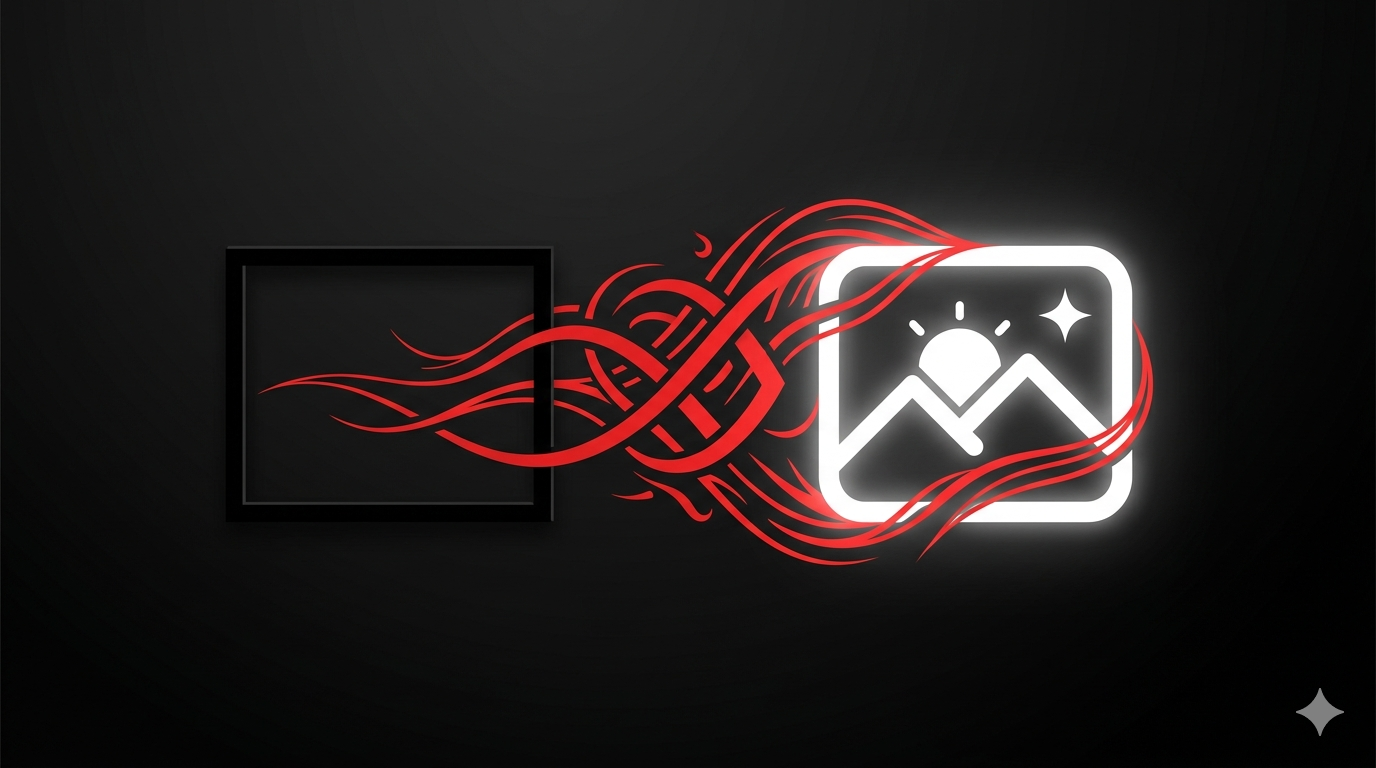
Hey, creative wizards and AI enthusiasts! Ever tried generating an image with AI and ended up with something that misses the mark? The secret sauce might be in blending text prompts with image inputs— it's like giving your AI a detailed roadmap to create exactly what you envision. At Elodan AI, we're all about empowering your creativity with our full suite of tools, from chat interactions and text-to-image magic to image-to-image transformations, text-to-video, image-to-video, and audio enhancements. Combining text and image inputs in AI image generation lets you refine ideas, add context, and avoid generic outputs, making your creations more precise and personalized. Whether you're designing graphics, prototyping concepts, or just experimenting, this guide will show you how to master multimodal AI for stunning results. Let's dive into practical prompts, step-by-step tips, and pitfalls to dodge for better AI image generation.

What Combining Text + Image Inputs Is

Combining text and image inputs in AI image generation means feeding the AI both a written description (prompt) and a reference image to guide the output. Instead of relying on text alone, which can be vague, or an image by itself, which might lack direction, this multimodal approach lets you specify details like style, mood, or changes while using the image as a visual anchor. On Elodan AI, our image-to-image and text-to-image tools make this seamless—upload a photo or sketch, add a prompt like "make this sunset scene more vibrant with added birds," and watch the AI blend them into a cohesive result. It's all about enhancing precision, reducing guesswork, and achieving that "aha" moment in your creative process.

Benefits of Combining Text + Image Inputs

Why bother mixing text and images? Here are the key perks that make this technique a game-changer for AI image generation:
  • Enhanced Precision:

    Text clarifies what you want (e.g., "add a futuristic city skyline"), while the image provides a base, ensuring the output matches your vision.
  • Context and Consistency:

    Reference images help maintain style, colors, or elements from your original, perfect for iterative designs.
  • Creativity Boost:

    It allows for complex edits, like transforming a photo into a painting or adding elements without starting from scratch.
  • Efficiency:

    Faster iterations—tweak prompts instead of regenerating everything, saving time in your workflow.
  • Versatility:

    Ideal for pros and beginners, from marketing visuals to personal art projects.
These benefits turn AI image generation into a more intuitive, results-driven experience.

Step-by-Step Guide: How to Combine Text + Image Inputs on Elodan AI

Ready to try it? Here's a simple, step-by-step workflow using Elodan AI's tools for combining text and image inputs:
  • Prepare Your Inputs:

    Choose a clear reference image (e.g., a photo or sketch) and craft a descriptive text prompt that specifies changes or additions.
  • Access the Tool:

    Log into Elodan AI, navigate to the Image section, and select image-to-image or a multimodal option that supports both inputs.
  • Upload the Image:

    Drag and drop your reference image—keep it high-quality and relevant to avoid confusion.
  • Enter the Text Prompt:

    Write a detailed prompt, like "Transform this landscape into a cyberpunk scene with neon lights and flying cars."
  • Adjust Settings:

    Set parameters like style (realistic, artistic), resolution, or aspect ratio for tailored AI image generation.
  • Generate and Refine:

    Hit generate, preview the result, and iterate by tweaking the prompt or image if needed.
  • Export Your Creation:

    Download the final output in your preferred format, ready for use in projects or sharing.
This process makes combining text and image inputs straightforward and effective.

Practical Prompts for Combining Text + Image Inputs

To get the best results, focus on clear, specific prompts that work hand-in-hand with your image. Here are some practical examples tailored for AI image generation:

Style Transformation:

"Convert this family photo into a watercolor painting with warm tones and soft edges."

Element Addition:

"Add a majestic dragon soaring in the sky to this mountain landscape image." Mood Enhancement: "Make this urban street scene more vibrant and lively, with people and colorful lights."

Concept Refinement:

"Evolve this sketch of a robot into a detailed mechanical design with glowing circuits."

Thematic Shift:

"Turn this beach sunset photo into a fantasy world with mythical creatures in the foreground."

Detail Amplification:

"Enhance this diagram by adding labels and arrows, making it clearer for a presentation." Experiment with these to see how text guides the AI while the image anchors the core idea.

Common Mistakes to Avoid When Combining Text + Image Inputs

Even with great tools, pitfalls can trip you up. Steer clear of these common errors for smoother AI image generation:

Vague Prompts:

Avoid generic text like "make it better"—be specific to guide the AI effectively.

Irrelevant Images:

Don't use mismatched references; ensure the image aligns with your prompt for coherent results.

Overloading Inputs:

Stick to one strong image and a focused prompt; too many can confuse the AI and lead to messy outputs.

Ignoring Quality:

Low-res images or unclear text can result in blurry or off-target generations—opt for high-quality inputs.

Skipping Iterations:

Don't settle on the first result; refine prompts based on previews to avoid wasted efforts.

Neglecting Context:

Remember the AI's limitations—complex scenes might need simpler prompts to avoid hallucinations. By dodging these, you'll boost your success rate in multimodal AI workflows.

Best Use Cases for Combining Text + Image Inputs

This technique shines in real-world scenarios where precision and creativity intersect. Here are top applications for AI image generation:

Marketing and Branding:

Customize product images with text prompts to create ads, like adding slogans or changing backgrounds.

Art and Design:

Transform photos into styles (e.g., Picasso-inspired) for unique illustrations or concept art.

Education and Tutorials:

Enhance diagrams with prompts to add explanations or animations for clearer learning materials.

Social Media Content:

Edit selfies or photos with fun prompts, like adding fantasy elements for viral posts.

Prototyping:

Refine sketches into polished visuals for apps, websites, or product designs.

Personal Projects:

Create custom art, like turning vacation photos into dreamlike scenes for blogs or prints. These use cases demonstrate how combining text and image inputs democratizes advanced AI image generation.

Conclusion: Unlock Better Results with Multimodal AI

Combining text and image inputs is like giving your AI a superpower— it bridges the gap between imagination and output, leading to more accurate, creative results in AI image generation. On Elodan AI, our intuitive tools make it easy to experiment, iterate, and produce standout visuals without the hassle. Whether you're a designer, marketer, or hobbyist, mastering this approach will elevate your projects. Ready to blend prompts and pixels? Start creating on Elodan AI today—what's your next combo going to be? Let's make it amazing!
#ai - image - video - tutorial
Try it now — Free to start

Ready to Create with AI?

Generate stunning images, videos, and voiceovers with the power of AI. Start your creative journey today.

Start Creating Now